How it works
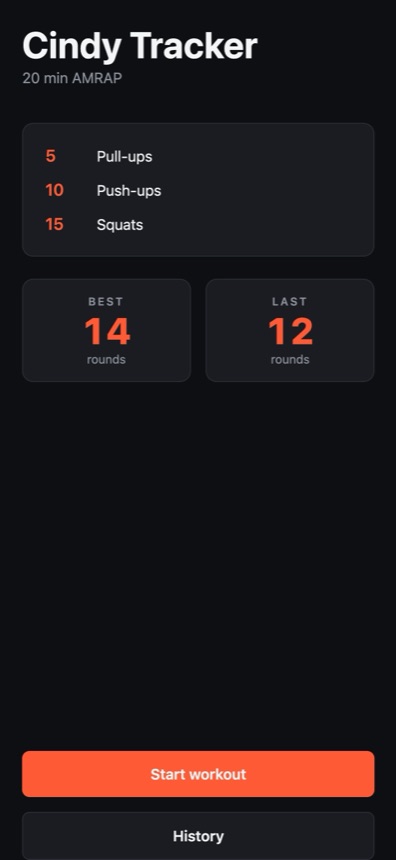
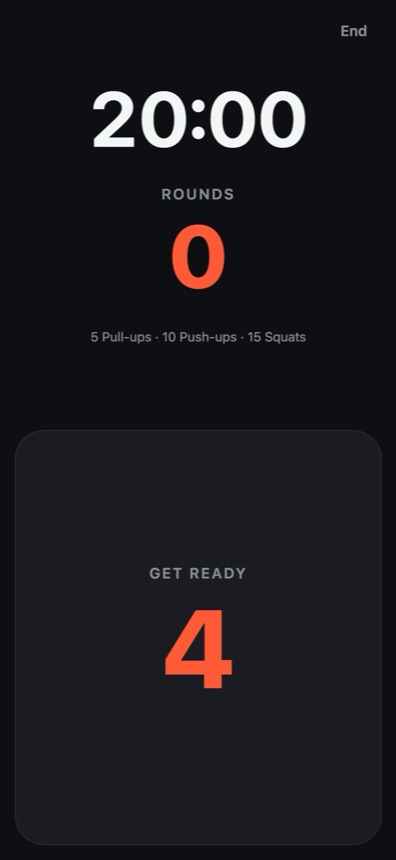
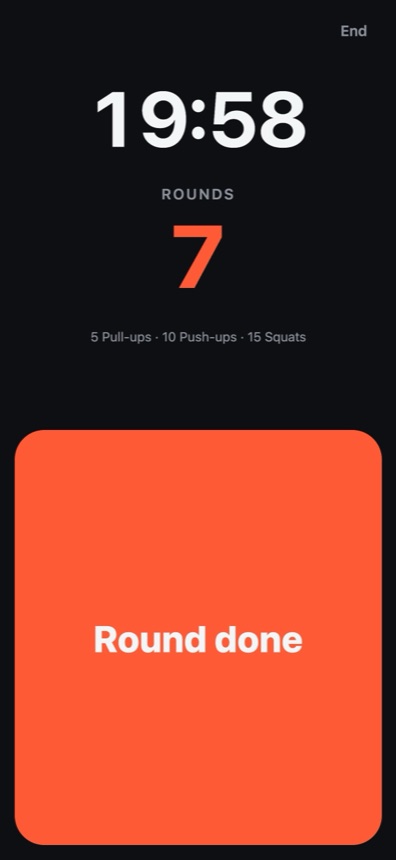
Tap Start workout and put the phone down. You get five seconds to reach the bar, then the clock runs for twenty minutes. After every round, tap the big button. That's the entire app.
Good to know
The screen stays on
The display stays awake for the whole workout, so you're never tapping a dark screen with chalky hands. It goes back to normal as soon as you're done.
You feel every tap
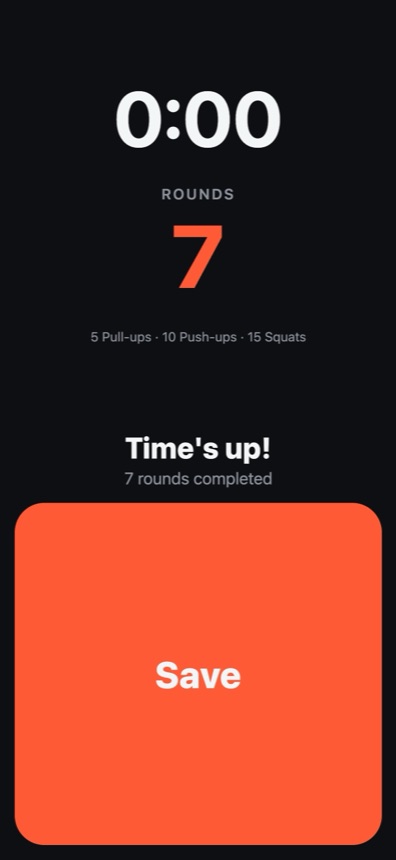
A short buzz confirms each round, so you don't need to look at the screen to know it counted. A longer buzz tells you the twenty minutes are up.
Stopping early
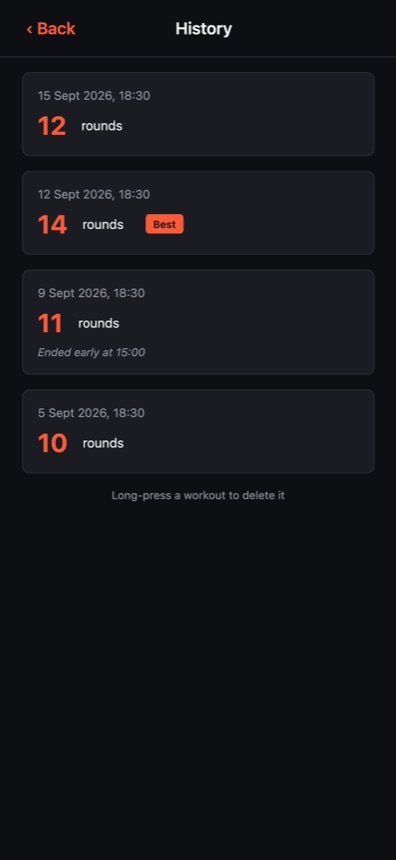
Tap End and you can either save what you did or discard it. A workout you ended early is saved with the time you reached and never counts as your best.
Phones and tablets
On a tablet the timer and counter scale up, so you can read them with the device propped up across the room.
Support
How do I delete a workout?
Press and hold it in the history list, then confirm.
Where is my history stored?
On your device only. There's no account, no sync and no internet connection involved, which also means your history isn't backed up anywhere. If you delete the app, the history goes with it.
Can I change the workout or the time?
No. The app does Cindy as written: twenty minutes of 5 pull-ups, 10 push-ups and 15 squats. Keeping it fixed is what lets the whole app be one button.
The timer kept running while I was in another app
That's intended. The clock follows real time, so the countdown stays correct even if you switch apps or the screen turns off, and you can come back to the right number.
Something's wrong, or I have an idea
Email, and we'll get back to you:
contact@spacetimeweavers.com